v0.4.0 — 2026-08-03
✨ New Features
- Single-Tab Capture: Right-click a tab or page and choose "📥 Stash to TabQueue" to stash and close only the current tab, keeping the window and other tabs. Fills the frequent “just one tab” case beyond whole-window capture.
- Keyboard Shortcut:
Alt+Shift+S(Mac:Option+Shift+S) to stash the active tab - Popup Button: New “📥 Stash Current Tab” primary button in the popup
💅 Improvements
- Single-tab capture feedback is consistent with whole-window capture: closing the tab gives immediate feedback; skipped cases (duplicates / internal pages) show a brief toast explaining why
🐛 Fixes
- Context menu click with no response (hardened notification chain + explicit error surfacing)
v0.3.0 — 2026-07-17
✨ New Features
- Extensible Action Menu: Hover over an item and click ⋯ to open the action menu
- Built-in actions: add browser bookmark, copy link, copy title, email share
- Third-party integrations: Trello (auto-fetches boards and lists), Todoist, Obsidian
- Settings Panel: Click ⚙️ to open; enable/disable actions and configure third-party API keys
- Bilingual (Chinese/English): Auto-detects browser language; manual toggle in the sidebar top-right
- Feedback Entry: New Feedback link in the bottom StatsBar; opens default email client with a pre-filled template
🐛 Fixes
- Fixed sidebar styles not taking effect
- Enhanced URL deduplication:
http://andhttps://are now treated as the same address - Fixed missing feedback toast after action execution
💅 Improvements
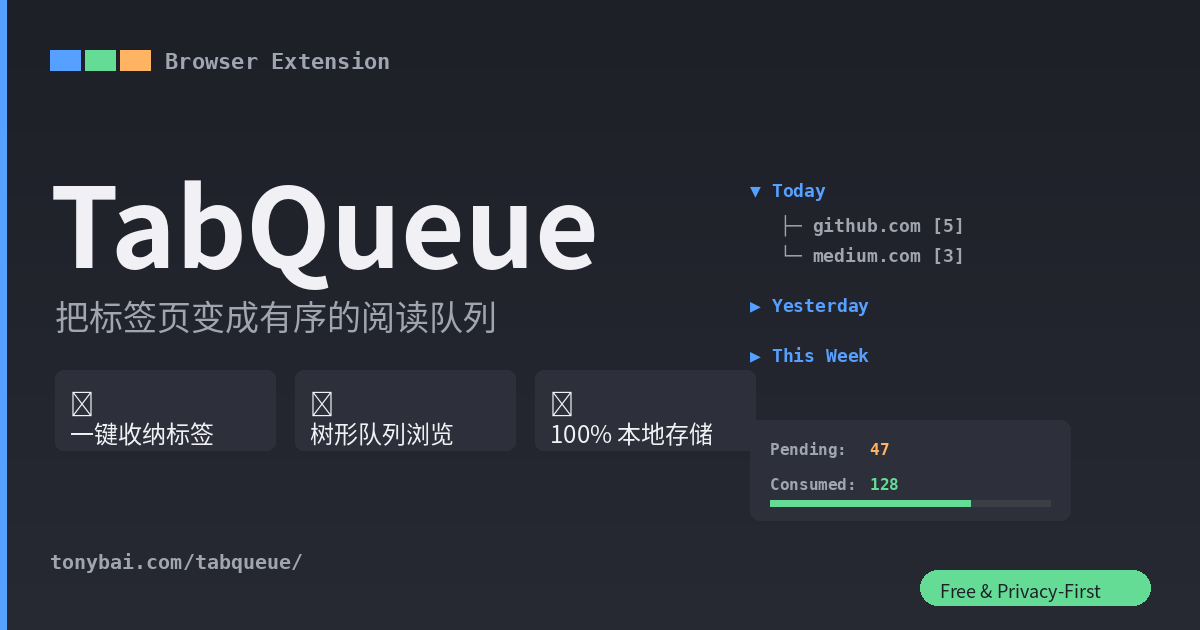
- Sidebar upgraded to tree view with connector lines and expand/collapse arrows
- Popup panel redesigned: gradient header, card-style stats, digestion progress bar
- Brand-new gradient rounded-corner icon
- Date and domain groups collapsed by default to reduce information density
- Domain count displayed as
[N]format for better readability
v0.2.0 — 2026-07-17
✨ New Features
- Popup Panel: Click the extension icon to see pending/consumed statistics
- Sidebar Queue: Two-level grouping by date (Today/Yesterday/This Week/Older) and domain
- Capture Preview: Shows distribution of tabs to be saved vs. skipped before confirming
- Consume & Undo: Open / Consumed / Delete actions with 5-second undo window
- JSON Export: One-click export of all data as a JSON file
- Keyboard Shortcut:
Ctrl+Shift+S(Mac:Cmd+Shift+S) to capture the current window - Auto Cleanup: Items archived for more than 30 days are automatically cleaned up
🐛 Fixes
- “Open Queue” button failed to open sidebar on some browsers
- Enhanced URL deduplication: strips 20+ tracking parameters (utm_*, fbclid, gclid, etc.)
v0.1.0 — 2026-07-16
Initial release.
- 📦 One-click capture of all tabs in the current window
- 📋 Sidebar to display the captured queue
- 🔗 Open / ✓ Consumed / 🗑 Delete actions
- ⌨️ Keyboard shortcut support
- 📤 JSON export
- 🔒 100% local storage