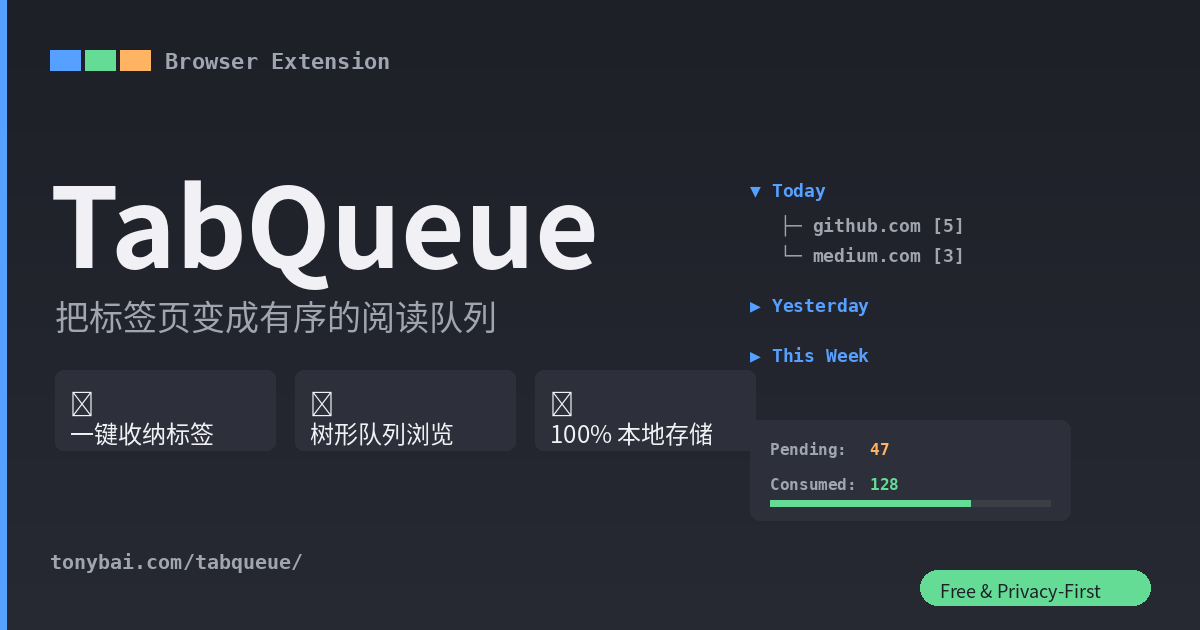
TabQueue
A Chrome / Edge browser extension that turns your “tabs you’re afraid to close” into an organized reading queue.
Toss articles in throughout the day without organizing. When you have time, open the sidebar and digest them grouped by website. Auto-archive after reading. Your browser stays clean, and you never “lose” anything.
Latest Version
v0.4.0 — 2026-08-03
Compatible with Chrome ≥ 114 / Edge ≥ 114 / other Chromium-based browsers
Key Features
- 📦 Whole-Window Capture — Click the icon or press
Ctrl+Shift+Sto instantly collect all tabs in the current window - 📥 Single-Tab Capture — Right-click a tab or page and choose “Stash to TabQueue” (or
Alt+Shift+S) to grab just the current tab while keeping the window - 📋 Tree-View Queue — Sidebar displays entries in a three-level tree: Date → Domain → Item, expandable layer by layer
- ⋯ Action Menu — Bookmark, copy link/title, email share, plus Trello / Todoist / Obsidian integration
- 🌐 Bilingual — Auto-detects browser language (Chinese/English), manual switch available
- 📤 Data Export — One-click JSON export for backup and migration
- 🔒 Privacy First — 100% local storage, zero network requests, no telemetry, no account required
Installation
- Click the download link above, save the ZIP file, and extract it to any local directory
- Open your browser’s extension management page:
- Chrome: Enter
chrome://extensionsin the address bar - Edge: Enter
edge://extensionsin the address bar
- Chrome: Enter
- Enable Developer Mode (toggle in the top-right corner)
- Click “Load unpacked”
- Select the extracted folder
- Done! Pin TabQueue to the toolbar by clicking the 📌 button in extension management
How to Update
- Download the latest version ZIP and extract it
- Replace the files in your original installation directory
- Click the 🔄 refresh button on the TabQueue card in the extension management page
Previous Versions
| Version | Release Date | Download |
|---|---|---|
| v0.4.0 | 2026-08-03 | Download |
| v0.3.0 | 2026-07-17 | Download |
For the full changelog, see Changelog.
Feedback
Have questions or suggestions? Send us an email: